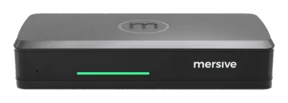
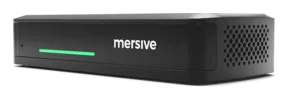
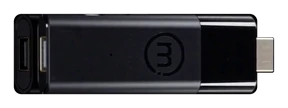
Polaris Cloud: one login, every room.
One place to manage your entire room fleet. Deploy rooms, apply consistent standards, monitor system health, and resolve issues remotely, all from your browser. Fleet management for wireless presentation, whether you run one conference room or several thousand.
Coming in Q4 2026: manage your room fleet through AI chat with the Polaris MCP server.
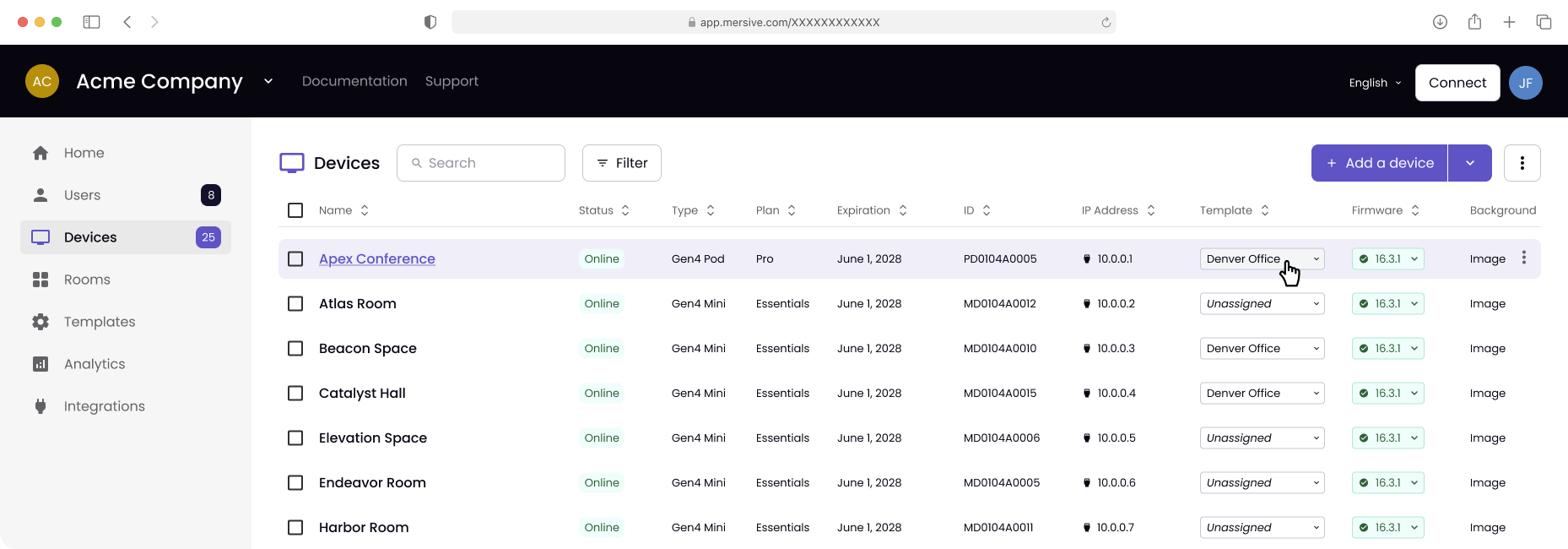
Monday morning, one browser tab.
Every capability below is a tab in the console above, not a roadmap item. Where something is pending it says so.
Set a room standard once
Create a room profile once and apply it to any number of devices. Set appearance, idle-screen content, signage, sharing protocols, network and proxy settings, calendar integration, display power, reboot schedules, and firmware-update windows. Each device uses one profile. Update that profile, and the changes automatically apply to every assigned device. Give huddle rooms and boardrooms the settings each needs, while managing both on the same platform.
Onboard in bulk, not one at a time
Claim devices and assign subscriptions from the console, or onboard from a CSV of up to 1,000 devices at once. Devices can also be edited in bulk without a template when a change does not warrant one.
Update on your schedule
Manage firmware updates per device or across your fleet using templates. Set automatic updates to run as soon as possible or within a weekly window on your chosen day and time, with the option to wait until everyone has disconnected. Update any selected group of devices immediately when needed. If a pod fails to start after an update, it automatically returns to the last known-good version.
See what is wrong before the ticket
See how each room is used and how reliably it runs over the last 7, 30, 60 or 90 days, or all time. Track meetings, total connections, hours in use, posts shared, and average meeting length. Break usage down by connection mode, sharing protocol, client operating system, and conferencing platform. Monitor downtime, unreachable events, and reboot counts. Export any view to CSV.
Manage rooms from your own tools
Connect your existing tools to room management through a REST API, enabled per organization. Reboot devices, switch HDMI inputs, and sleep or wake displays individually or organization-wide. Send HDMI-CEC or serial power commands, and retrieve device, display, network, and aggregate fleet status. Set a signage URL for one room or every room, and read, create, update, or delete room calendar events.
Both fleets, one starting point
Mersive Solstice Cloud keeps managing a Gen 3 fleet, linked straight from Polaris Cloud, so a migration does not mean running two unrelated consoles while it happens.
The cloud is not in the media path.
Shared content travels directly between session endpoints over an encrypted peer-to-peer connection. Polaris Cloud handles the signaling that connects them; shared content never passes through it. Signaling uses outbound-only TLS connections on port 443, so the management plane requires no inbound firewall ports to be opened.
Try it in your own rooms →The architecture behind it →Where AI fits →
See it in your own rooms
Hardware trials ship for every product, direct from Mersive. When the rooms prove it, we introduce your regional partner for the rollout.
Start a free trial